← All projects

TabRestrain

A Chrome extension that puts a hard cap on how many tabs you can have open.

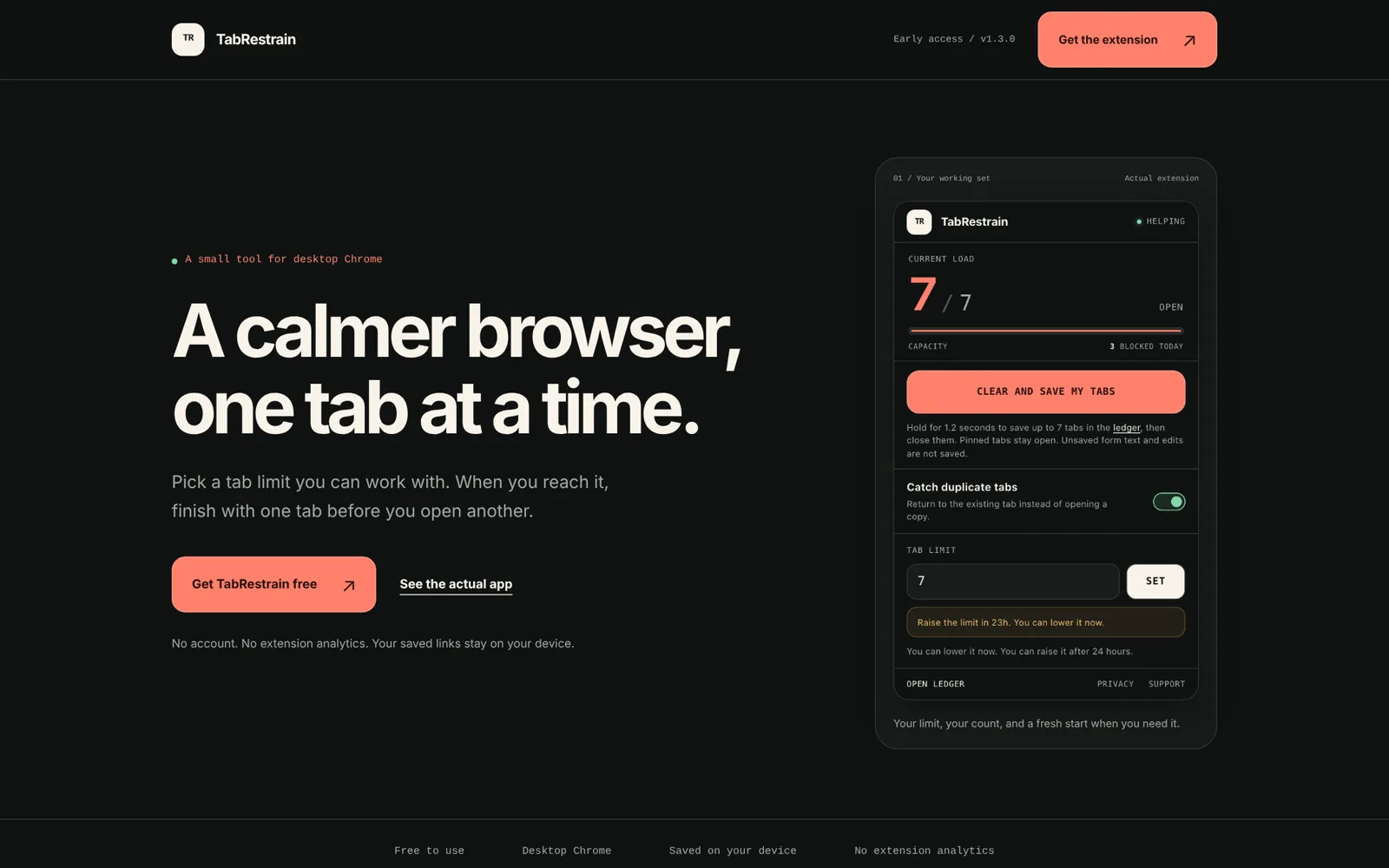
TabRestrain popup showing 6 of 7 tabs open, a blocked-today counter, and a 24-hour lockout notice
The actual popup. Hit the cap and it tells you exactly why it won't budge.

The short version

current release
1.3.0
regression tests
24
lock before you can raise your limit
24h
files in the whole extension
19

What it is

TabRestrain gives Chrome a hard tab limit. Hit it and the new tab closes. Open an exact duplicate and it takes you back to the tab you already had.

The clever bit is the lock. Raising your limit is blocked for 24 hours, but lowering it is instant, so you can always tighten the rule and never loosen it in a weak moment. It started as a Replit toy and is now version 1.3.0 with a public site, a store pack and a launch plan.

What I had to steer

Data safety came first. When you hold the button to clear and save your tabs, every URL is written to the database in one transaction before a single tab closes, and tabs that change page mid-save stay open.

Then tone. Early versions spoke in strict system language, so in 1.2.1 I had it rewritten as calm helper guidance with exactly the same rules underneath.

What I wired together

Chrome Manifest V3 with a background worker, IndexedDB for the tab ledger, optional site access for local screenshots and page previews, and a Todoist export that stores request IDs so a retry never creates a duplicate task. Playwright drives a real browser in a throwaway profile for the checks, and a script proves the downloadable ZIP matches the source byte for byte.

Where I pushed it

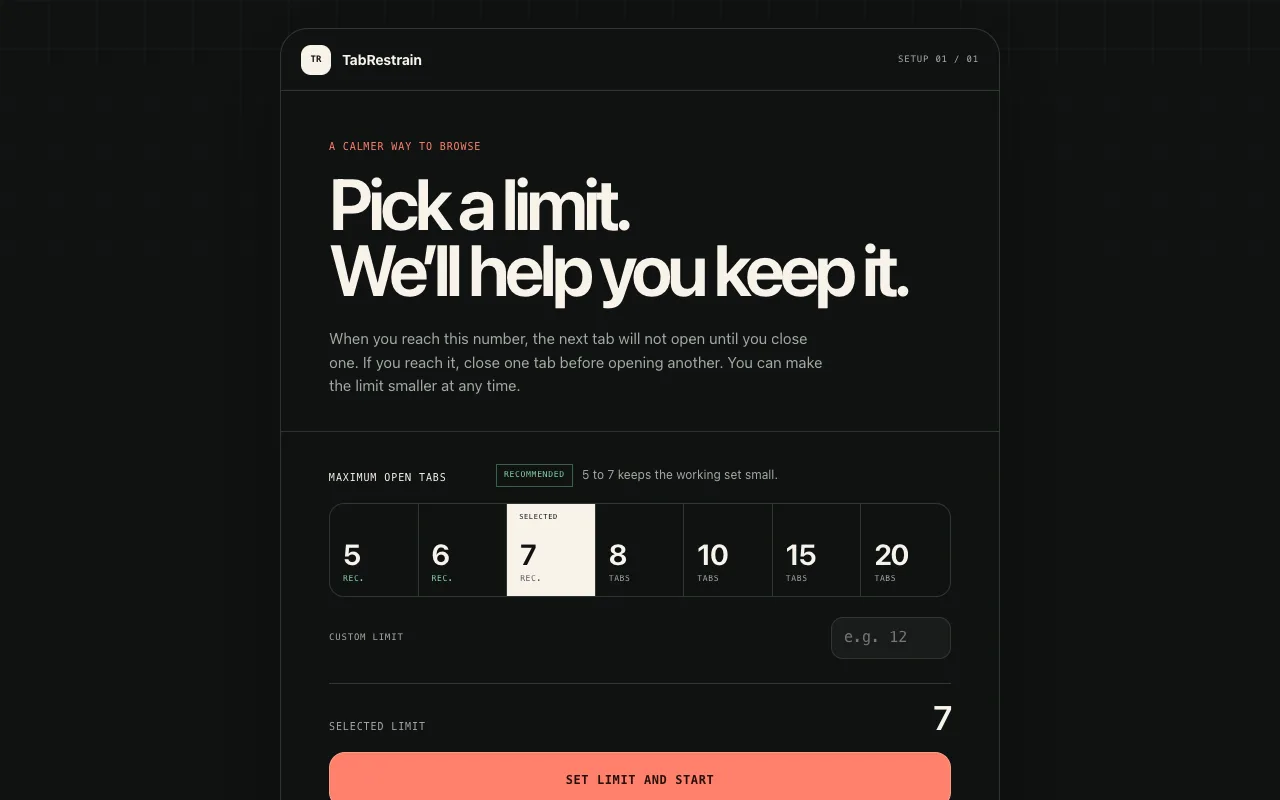
I treated a small extension like a real product. The 1.2-second hold to confirm works with a mouse, Space or Enter. The website sends strict security headers, which is why the embed below won't load. The store screenshots come from a clean profile with no personal browsing.

There are no extension analytics, ever. So there are no vanity install numbers either, and I'm fine with that.

Live site

See it live.

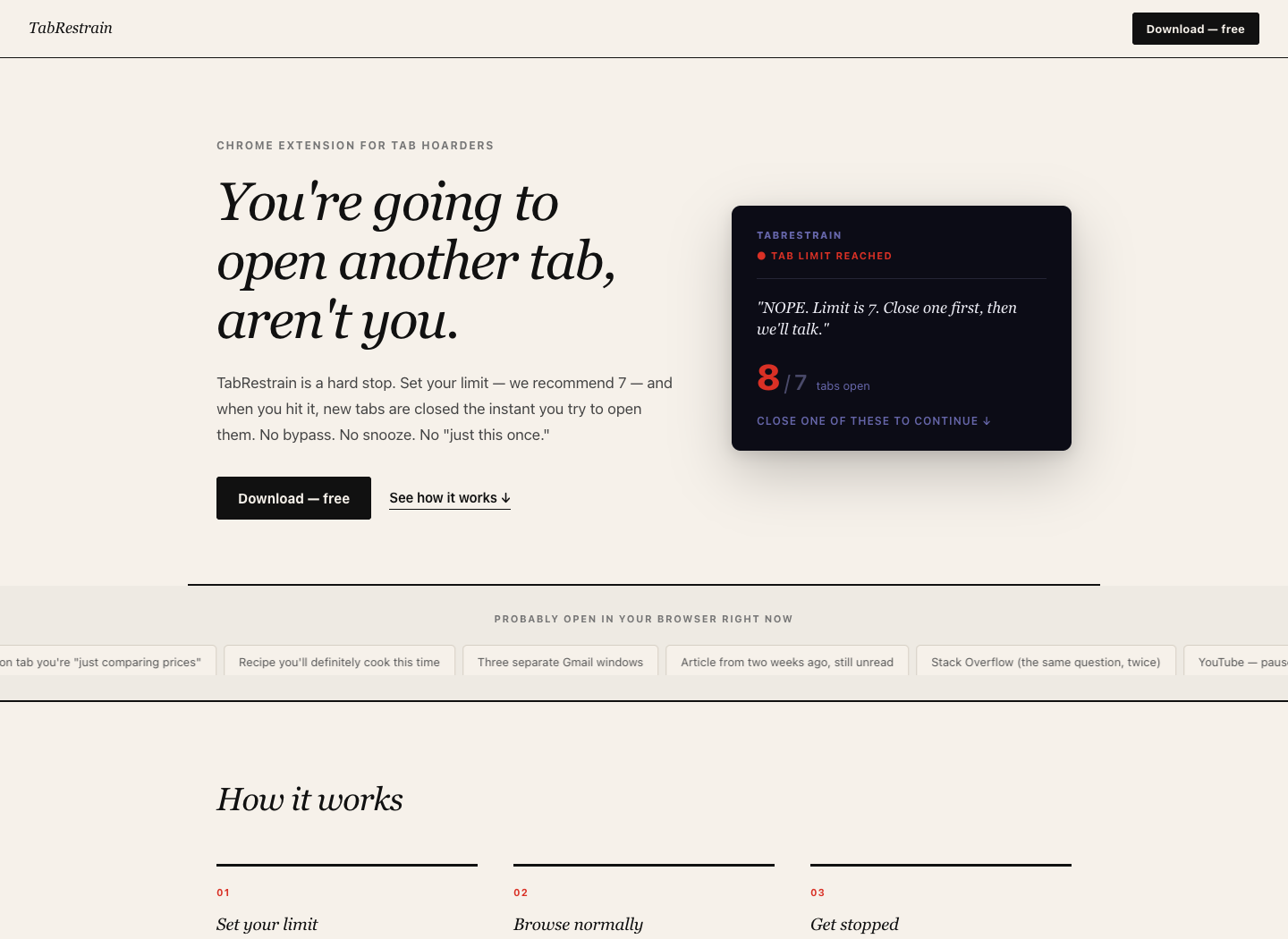
TabRestrain early-access site homepage This site refuses to be framed, on purpose. Open it in a new tab.
Product site The early-access site, with the real popup, setup and ledger screens and a verified ZIP download. It sends X-Frame-Options: DENY, so it opens in a new tab instead.

The build log

A hard cap on tabs

I open tabs, then more tabs, then lose any sense of what I was doing. I didn’t want a better tab manager. I wanted a limit, because I clearly wasn’t going to impose one on myself, and a hard cap on open tabs was the plainest version of that I could think of.

Building an extension in Replit

I built it in Replit, which made it more awkward than it needed to be, because you can’t preview a browser extension in the place you’re building it. Most of the early process was a shot in the dark: work out how to export the packaged folder, zip it correctly and load it into Chrome as unpacked. Once I’d done that, it simply worked.

The mechanic is direct. Hit the cap and the new tab gets closed, with a notification telling you why. The popup shows the tabs you have open against your limit, plus a blocked-today counter. The best detail came almost as an afterthought: raising your limit is locked for 24 hours after you set it, while lowering it applies instantly. You can always tighten the rule, and you can’t talk yourself out of it in the moment.

Where it ended up

Extension packaging looked like the blocker going in, and once I understood the flow it wasn’t. The 24-hour lock is the feature that makes it work. What was left was deciding whether it’s a personal utility or worth publishing properly, and version 1.3.0 answered that.

From Replit toy to version 1.3.0

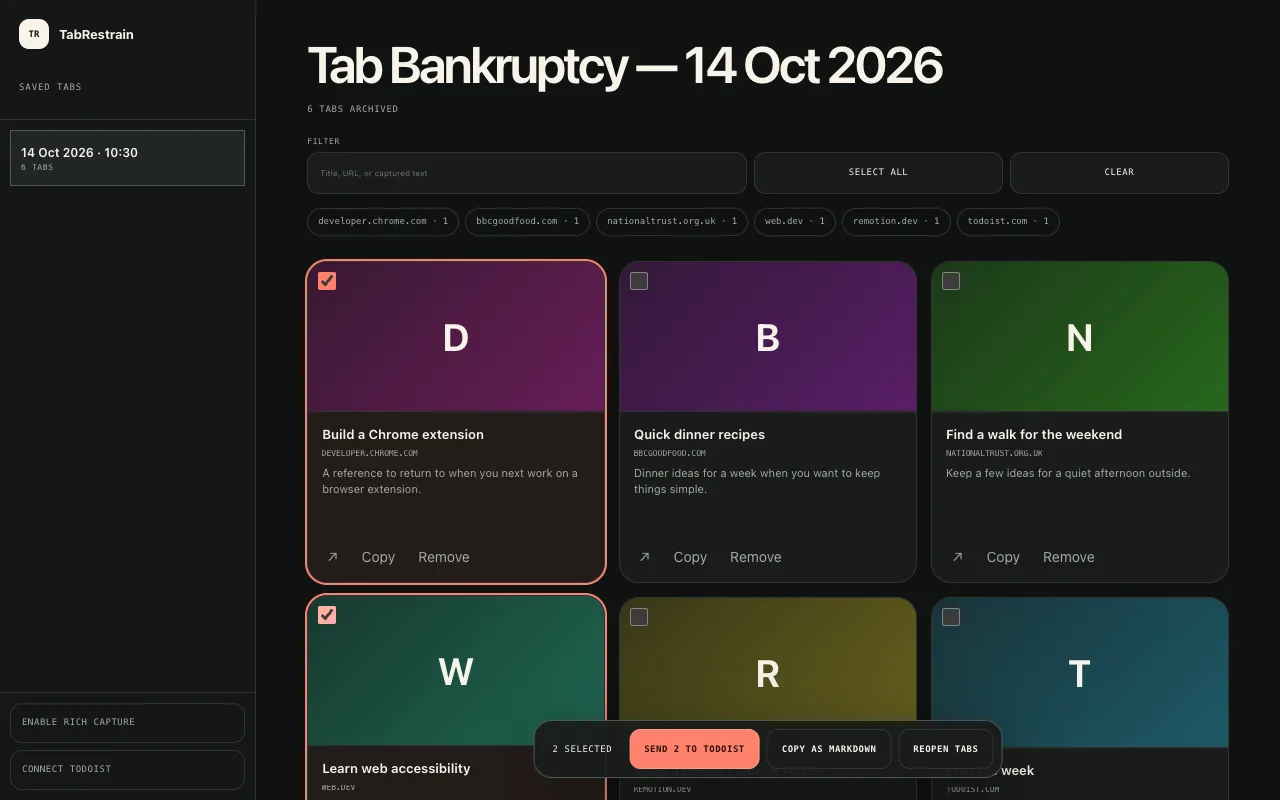
The first version only said no, which was useful and slightly brutal. The obvious next question was what happens to the tabs you close. So 1.1 added a ledger: hold a button for 1.2 seconds and every open tab is saved locally and closed, so nothing’s lost. Saved tabs that are really tasks can go to Todoist.

Version 1.2 was a full redesign, and 1.2.1 softened it with curved panels, a warmer palette and copy rewritten from strict system language into calm guidance. The rules underneath didn’t change.

Hardening

Then I had the whole thing reviewed properly, and 1.3.0 fixed what came back. URLs and metadata now save in one transaction before any tab closes. Duplicate detection respects searches, fragments and path case. Todoist retries reuse their stored request IDs, so a flaky connection can’t create the same task twice. Keyboard holds, focus control and accessible labels went in too.

It has 24 regression tests, a real-browser check in a throwaway profile and a packaging script that proves the public ZIP matches the source.

It’s live as an early-access download from its own site, with screenshots, a social card and a store pack ready for the Chrome Web Store. The 15-second launch film is storyboarded with Launch Video Kit and waiting on its final render.